
Stay Protected in uncertain moments
Through a streamlined mobile application, users can initiate immediate assistance and maintain real-time connectivity, all from the convenience of your handheld device.
Press and hold the button to discreetly connect with a monitoring agent through the app, who can reach police, fire, or emergency medical services. Once released, you’ll have 10 seconds to cancel by entering your PIN. If not canceled, your alert is sent directly to a trained operator who can dispatch help to your location—even if your phone is damaged or becomes unusable during the countdown.

How It Works
MAIN FEATURES
Alerts
Immediate Alerts when it Counts!
-
Personal safety with professional response, all within the Alarm.com app - no additional hardware required
-
Smarter, more advanced way to connect to police, fire, or emergency medical help when you need it
-
Use Safety Button when you feel scared but are not ready to call 919
-
Quickly get help in any situation without the need to dial 919 or make a call or text
-
Text dispatchers and responders in an emergency, just in case you can’t or don’t want to talk
-
When an event is triggered, the operator can share relevant, timely information with first responders that could be important during an emergency
-
When an event is triggered and verified by the dispatch team, the dispatcher can share your emergency contact information with the 919 operator
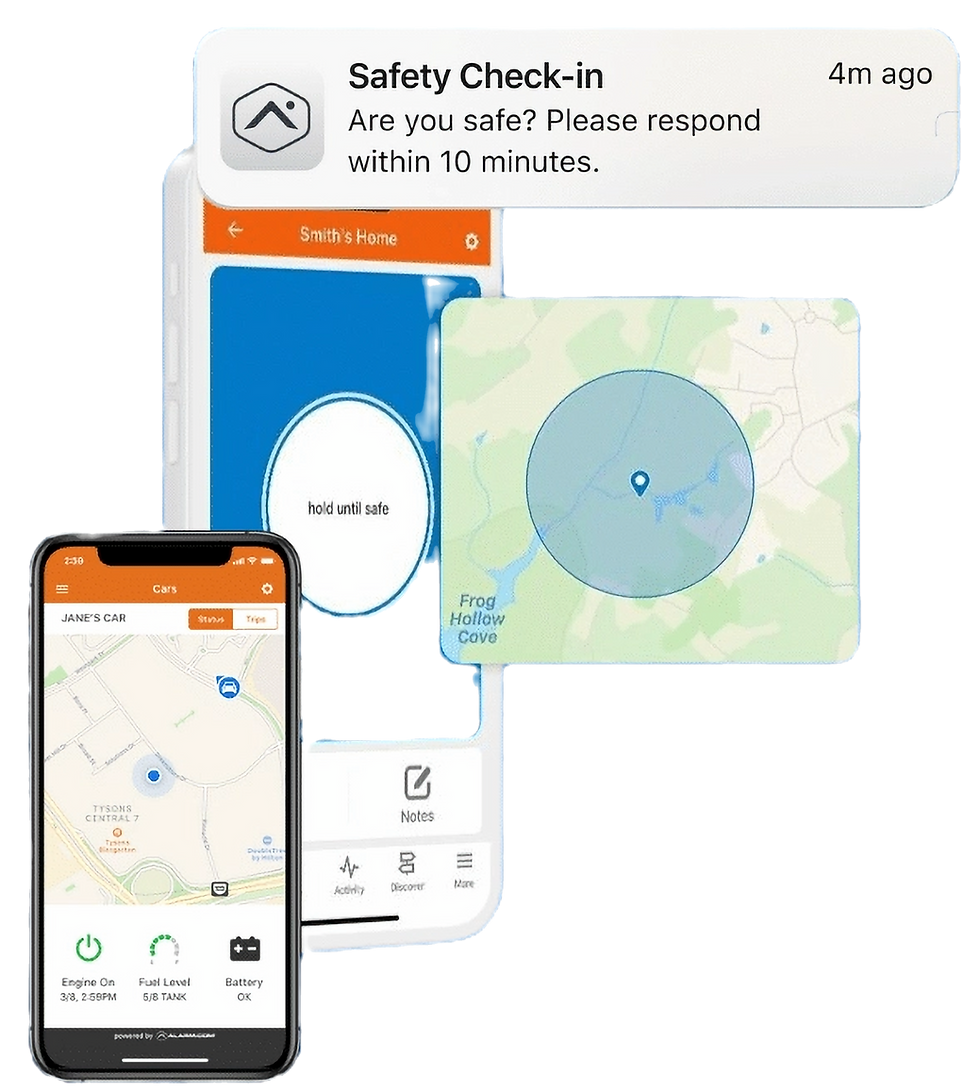
USER WELLBEING
Safety Button Notes
Safety Button Notes provide professional operators with more contextual details, such as who the customer plans to meet with or if a suspicious vehicle is parked outside of their home. If the customer triggers an event for assistance, the relevant information is shared with first responders so they can be better prepared for the situation.
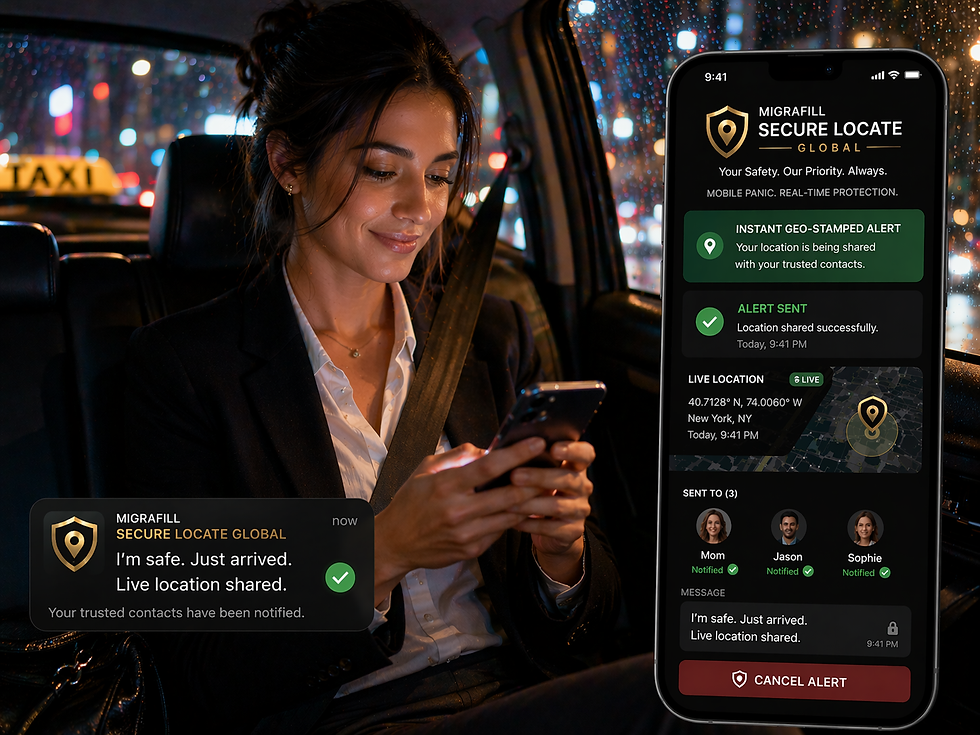
Features for Extra Security
Feel secure knowing you’re protected—anytime, anywhere.
With no additional hardware needed, Safety Button brings professional response, advanced technology, and enhanced safety features together in one easy-to-use solution.
Add contextual details to your profile, such as who you’re meeting or observations of suspicious activity, so first responders have important information if an incident occurs.
Safety Button Notes
Add a trusted contact to your profile. If an event is confirmed, dispatchers will share this with 911, ensuring your loved ones are updated when it matters most.
Emergency Contacts
Keep the Safety Button on your phone’s home screen so you can summon help quickly, wherever you are.
Quick-Access Widget
Enhance your personal security posture today with Migrafill’s Safety Button, powered by Secure Locate Global. Enroll now to activate immediate access to real-time location tracking, instant panic alerts, and 24/7 professional monitoring—delivering rapid response and support whenever and wherever required.
Activate your service in minutes and benefit from continuous oversight, expedited emergency response, and a heightened level of personal protection—providing confidence and peace of mind on the move.